Security and data boundaries
Know what stays local. Know what you connect.
Your project, the selected provider and the active tools each have a role. Check those boundaries before you start a task.
Files, inference and credentials.
- Repository on disk
- The desktop workspace opens your local project. Files can be changed by agent operations; review the actual diff and keep appropriate backups or version history.
- Cloud agents
- Using a cloud agent can send task context and relevant project content to that provider. Its own account terms and data practices apply.
- Local inference
- Inference runs at the configured local runtime or server. Downloads, tools and external endpoints can still access the network.
- Provider credentials
- Claude Code and Codex support separate account configuration. Treat provider credentials as sensitive and verify the chosen account before working.
The Codevalanche website account is separate from agent authentication. Signing in on the website does not connect a provider account in the desktop app.
Permission, review and recovery.
Check the active permission mode
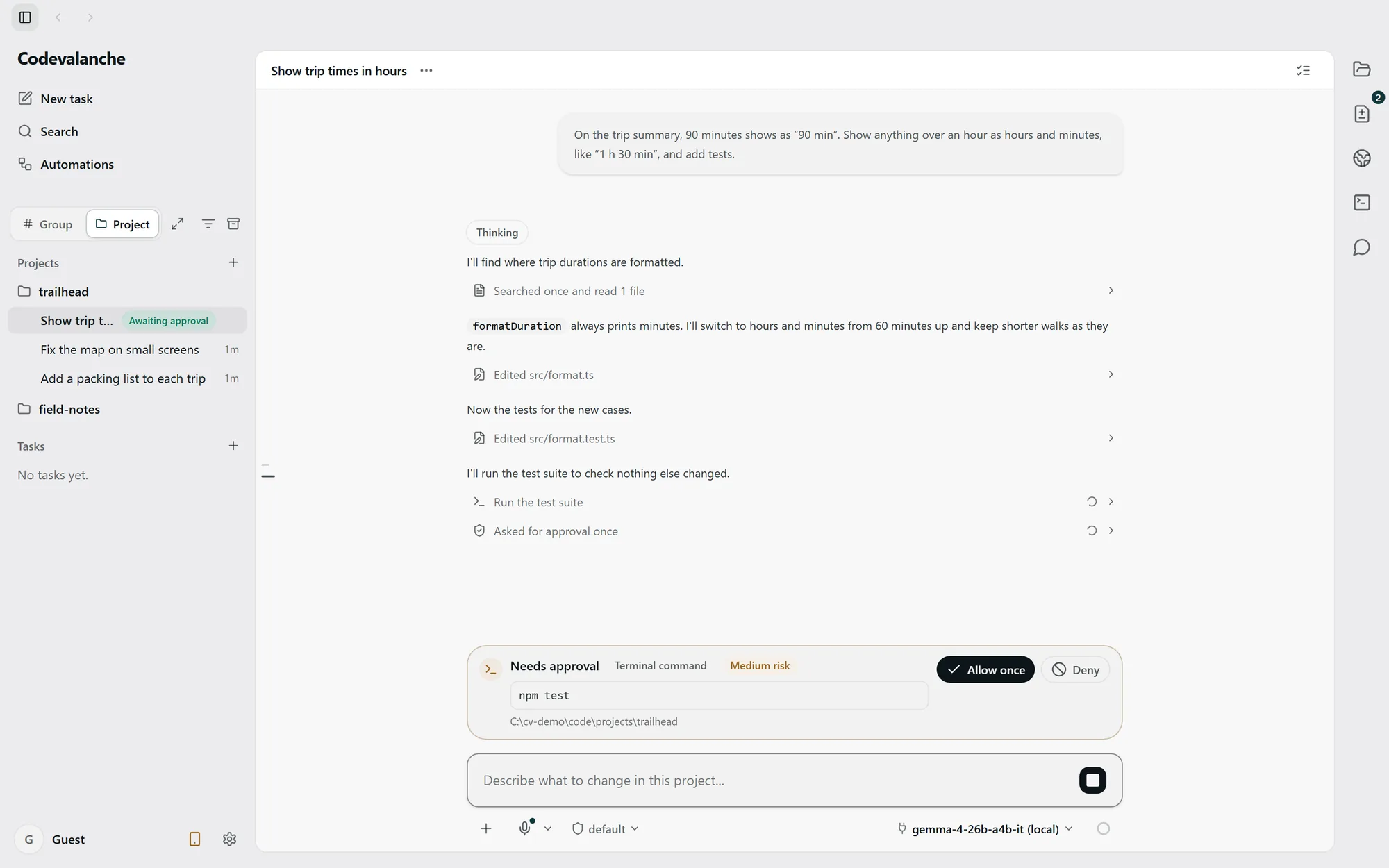
Approval behavior varies by runtime and configuration. A command request describes one operation; it is not a universal guarantee that every write waits for permission.
Inspect changes after execution
Read the diff and verify the behavior independently. Supported Undo operations have guards and limits; do not assume every filesystem or external action can be reversed.
Browser and remote access
The embedded browser is a workspace surface. Remote access is a separate capability with its own setup and qualification. Android remains a separately qualified preview, not a generally available remote-access product.
Policies and security contact.
For website account data, cookies and the site’s privacy choices, read the privacy policy. For a suspected security issue, contact the security address with a description that excludes passwords, tokens and private repository content.
security@radovar.com