Local AI in Codevalanche
A local model, on the machine you choose.
Choose a supported local runtime or compatible server for inference. Model size, memory and hardware determine whether that model is a useful fit for your task.
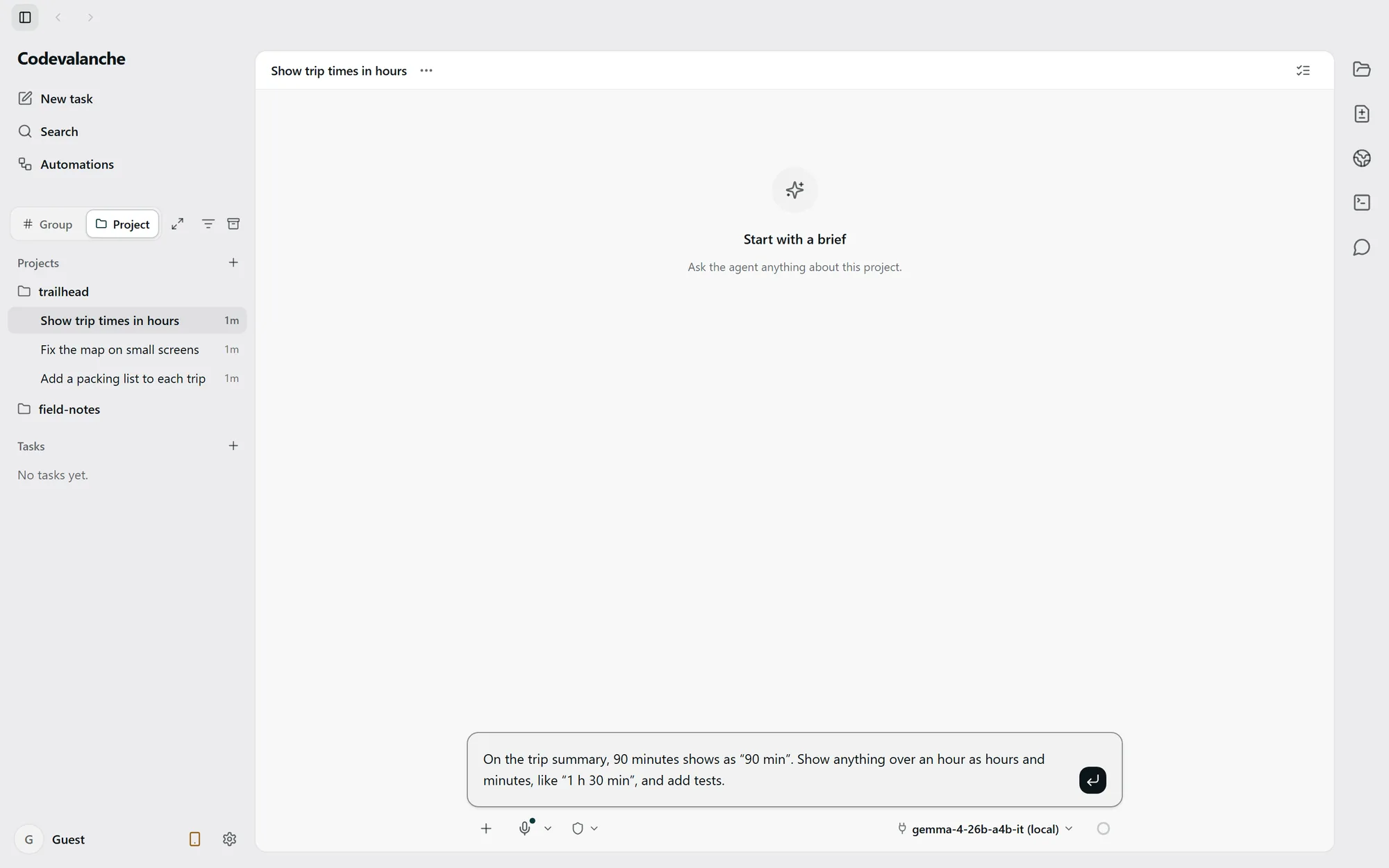
Choose where inference runs.
- Built-in local runtime
- Use a model supported by the installed build. Model setup and downloads may need network access before local inference can begin.
- LM Studio
- Start the local server, load a compatible model and configure its endpoint in Codevalanche. The server must stay available while the task runs.
- Compatible OpenAI-style server
- Configure the server address, model and any required credentials. API compatibility alone does not guarantee every tool or model capability.
Begin with a small task.
Open Local Models in Settings to configure a supported model, or configure your local server connection. Check the selected model before sending a short request in an example project.
Large models can exceed available memory or run too slowly for the task. Choose a model your machine can support; there is no universal memory requirement or speed guarantee.
Local inference has a boundary.
A model running on your own machine performs inference there. Model downloads, connected tools and external endpoints may still use the network. A server address on another machine sends requests to that machine.
Choosing a cloud agent is a separate connection and can send task context to its provider. Check the active model, endpoint and tools before using sensitive project content.
Security and data boundariesIf the local model does not respond.
- Server unreachable
- Check that the server is running and the configured address and port match it. Verify access from the machine running Codevalanche.
- Model unavailable or incompatible
- Load the intended model in the server and check its configured name and supported capabilities.
- Not enough resources
- Try a smaller supported model or free memory. Check the runtime’s error before repeating the request.